Globalping probeUS East requestedActual location shown in results
FREE ONLINE NETWORK DIAGNOSTICS
Free Online Network Troubleshooting Tools
Test a public host from a real remote probe. Ping a host, check one TCP port, trace a route, resolve DNS, look up an IP address or measure an HTTP request through Globalping.
NETWORK TROUBLESHOOTING, EXPLAINED
What is network troubleshooting?
Network troubleshooting is the process of finding out why a connection is slow, unreliable or down, and fixing it by testing one layer at a time.
A problem lives somewhere specific—your device, the local network, DNS, the internet path, or the server at the other end. These tools test each layer from a real Globalping probe, helping you replace guesswork with evidence and answer the question every outage starts with: is it down for everyone, or just me?
Follow the step-by-step troubleshooting guide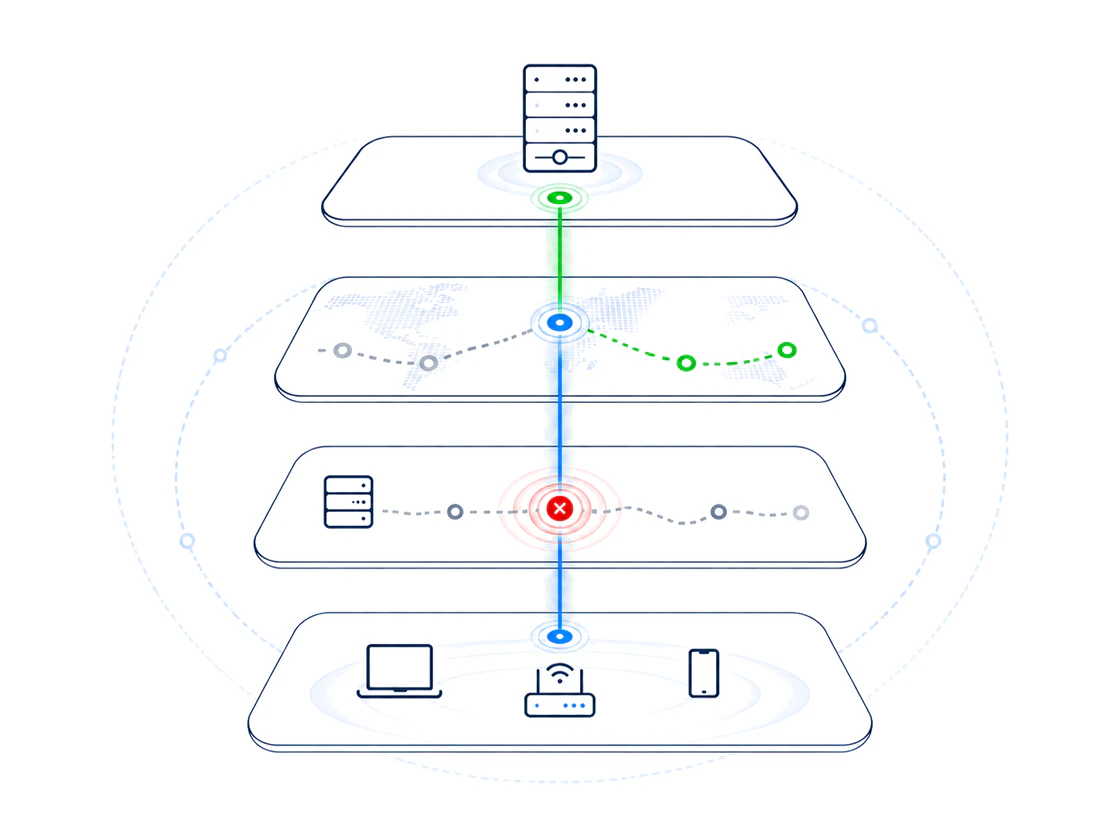
Choose a network diagnostic
Seven focused checks with the measurement source shown in every result.
Online Ping
Check reachability, packet loss and latency to any public host.
Port Check
Test whether a single public TCP port is reachable.
Website Speed
Measure DNS, TCP, TLS, first byte and download timing.
Traceroute
Trace the network path from a selected Globalping region.
DNS Lookup
Query DNS records from the resolver used by a selected remote probe.
IP Lookup
Find country, continent, ASN and network information.
What Is My IP
Show your public IP and Cloudflare connection information.
Not sure which check to run? Compare 12 network troubleshooting tools and when to use each
Learn how the tools work
Step-by-step guides that explain what each diagnostic measures and how to read the results.
12 Network Troubleshooting Tools in 2026
Compare 12 network troubleshooting tools in 2026 with a symptom-to-tool table, Windows and Linux commands, and the right order to use them.
Network Troubleshooting in 2026: An 8-Step Guide
Fix network problems in 2026 with 8 ordered steps, local commands and free online tools covering physical, IP, DNS, port and speed checks.
Ping vs Traceroute: When to Use Each in 2026
Ping vs traceroute explained in 2026: what each ICMP tool measures, the question each answers, plus commands and a remote probe comparison.
What Is My IP Address?
What is my IP address? Learn IPv4 vs IPv6, public vs private addresses, what your IP reveals and how to check it free in 2026.
How to Ping a Website or IP Address in 2026
Learn how to ping a website in 2026: Windows, macOS and Linux commands, how to read latency and packet loss, plus a free online ping test.
How to Check If a Port Is Open: Remote and Local Tests
How to check if a port is open in 2026: remote and local tests, what open, closed and filtered mean, and the most common TCP ports.
Traceroute Explained: How to Read Hops and Find Problems
Traceroute explained: read hops, RTT, latency and asterisks, compare Windows and Linux commands, and find real network problems without false alarms.
DNS Server Not Responding? How to Check DNS Records and Fix It
DNS server not responding? Check A, MX and TXT records from several regions, then work through the fixes that solve most resolver failures.
Website Speed Test: Measure Load Time Remotely
Test website speed in 2026 from remote probes. Learn DNS, TCP, TLS and TTFB timings, benchmark numbers and Core Web Vitals limits.
Who Owns an IP Address? Find the ASN and Network
Who owns an IP address? Look up any public IP to find the country, ASN and network owner — and learn why the location is approximate.
Know exactly where every measurement comes from
Your browser
Cloudflare edge
Globalping probe
Each remote test uses one available probe matching your selected region. Selection is best-effort.
View our methodologyTransparent by design. We do not persist complete results. Globalping receives remote measurement targets under its own privacy policy.