
TOOL COMPARISON
Ping vs Traceroute: When to Use Each in 2026
Updated
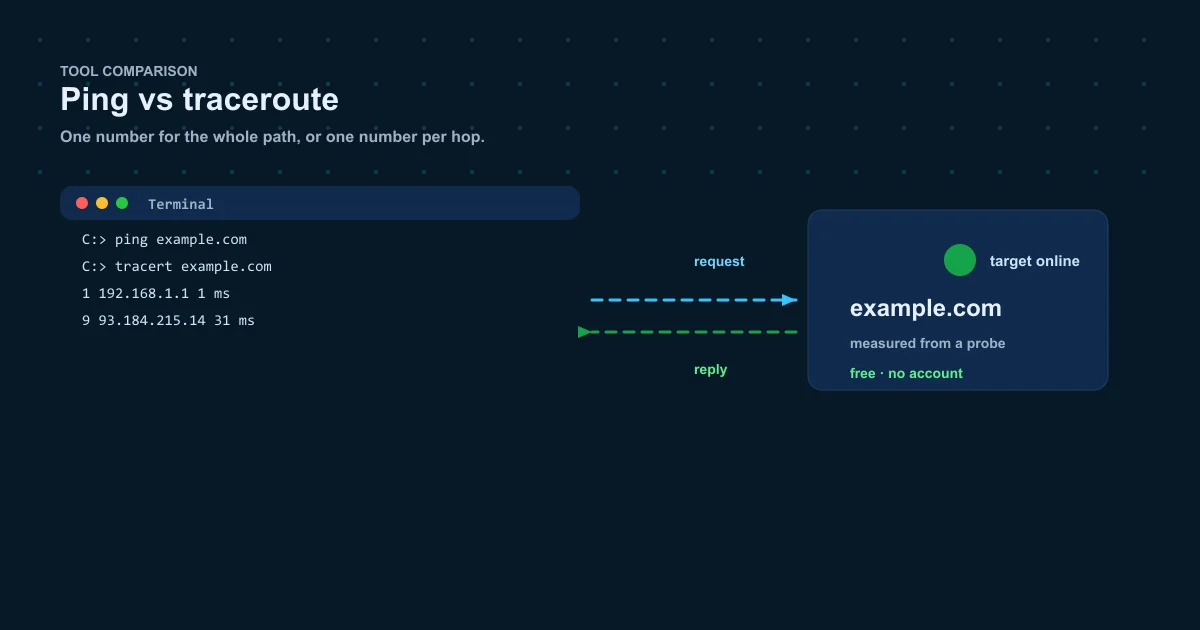
Two tools, two different questions, and the wrong choice turns a five-minute diagnosis into an afternoon of staring at hop lists. Ping tells you whether the host is reachable and how fast; traceroute tells you which routers form the path and where the delay begins. Mix them up and you end up reading the wrong answer to your actual problem.
This guide walks through what each ICMP tool measures, the quick rule for choosing between them, the command pairs, and how they work best together — including free remote versions on this site.
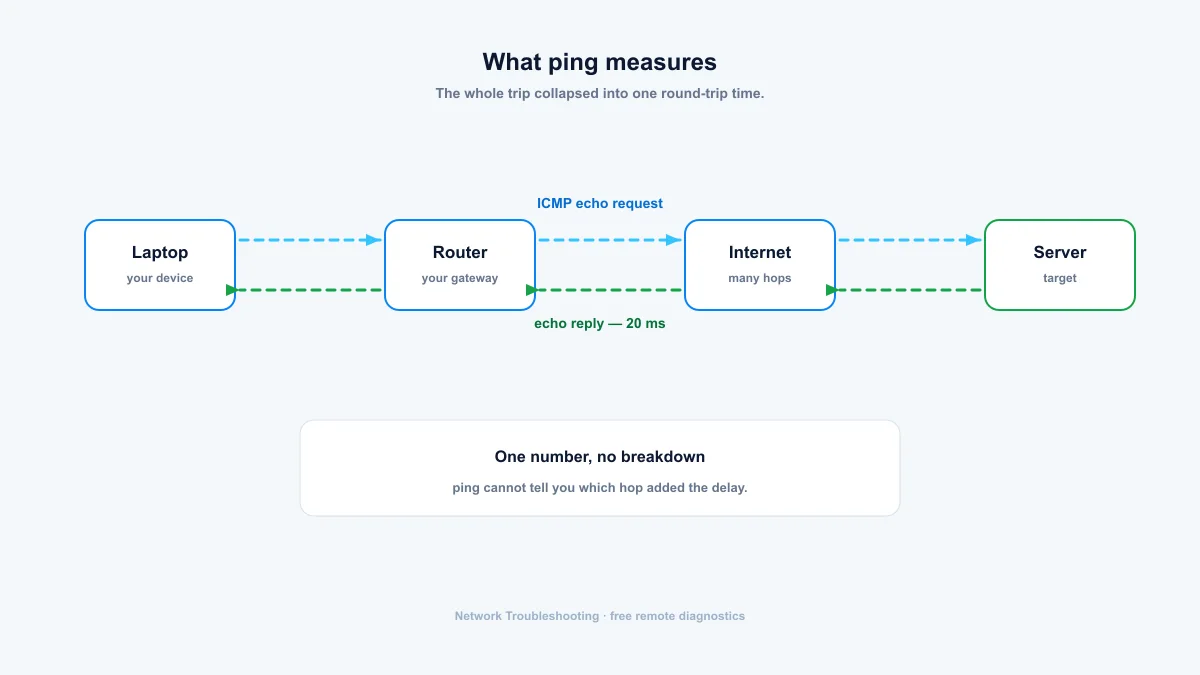
What ping measures
Ping sends a handful of ICMP echo requests and reports round-trip time and packet loss for the whole path in one number. It's the cheapest possible check: one command, one answer, no interpretation needed. You use it constantly, and that's its virtue.
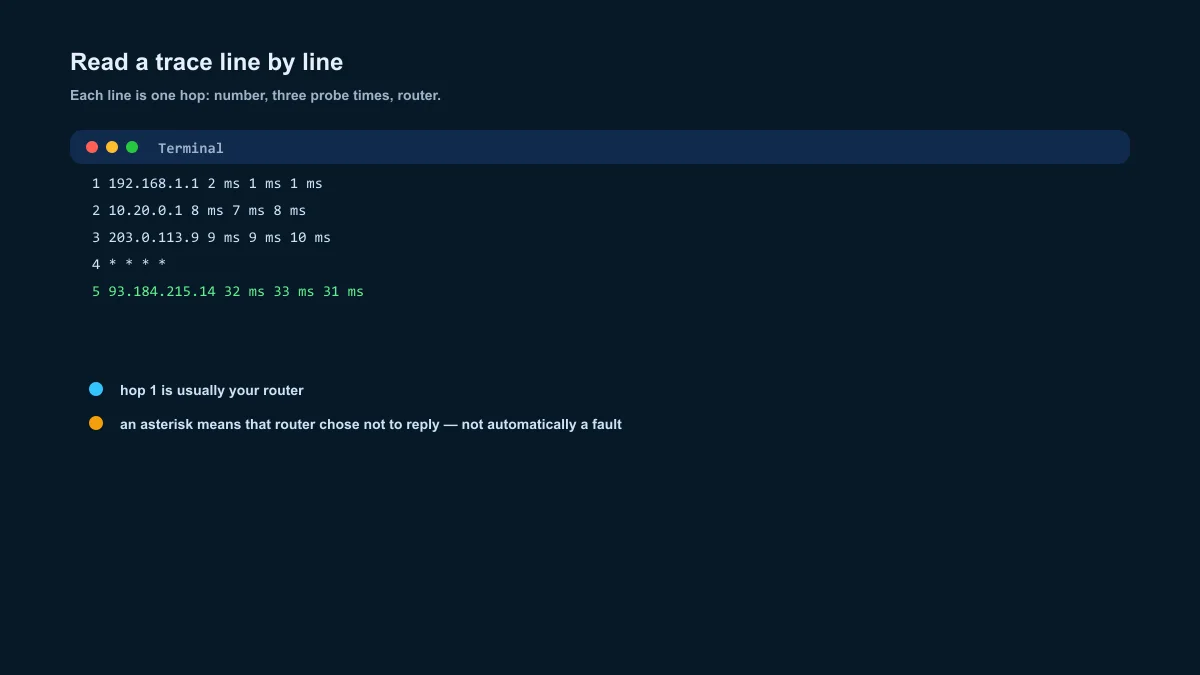
What traceroute measures
Traceroute reveals the path by forcing each router to report itself, then times probes to every hop. Where ping gives you one number for the whole trip, traceroute gives you a per-hop breakdown. It's the tool that turns "slow" into "slow starting at hop 9, inside the transit network."
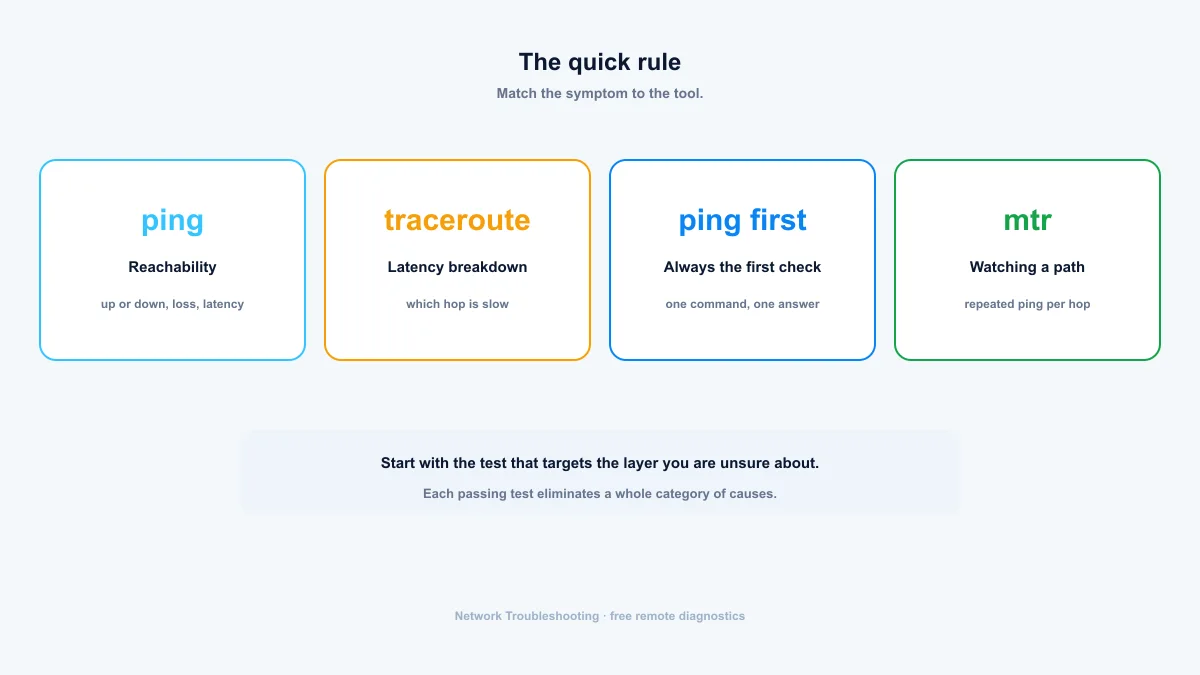
The quick rule
- Reachability and loss: ping.
- Latency breakdown: traceroute.
- "It works, but it's slow": traceroute.
- "It doesn't work at all": ping first, then traceroute if ping shows a path problem.
- Watching a path over time: mtr, which combines both.
When to use ping
- A quick up-or-down check before anything else.
- Monitoring packet loss: ping repeatedly and watch the percentage.
- Separating DNS from routing: ping an IP, then ping a hostname. If one works and the other doesn't, you've found your layer.
- Testing from other regions: a remote ping shows what visitors elsewhere experience.
When to use traceroute
- A slow site or service where you want to know which hop carries the delay.
- A path that works by IP but not by name, or works from one network and not another.
- Building evidence for an ISP ticket: a trace that dies at the ISP's edge is hard to argue with.
- Comparing regional routing, like how a CDN serves different continents.
They work better together
The standard sequence is ping, then traceroute. Ping establishes the headline: reachable, and at what latency. If loss or latency is bad, traceroute shows where the path goes wrong. Many admins then leave mtr running on the problem path to watch it over time, since a single snapshot can miss intermittent loss.
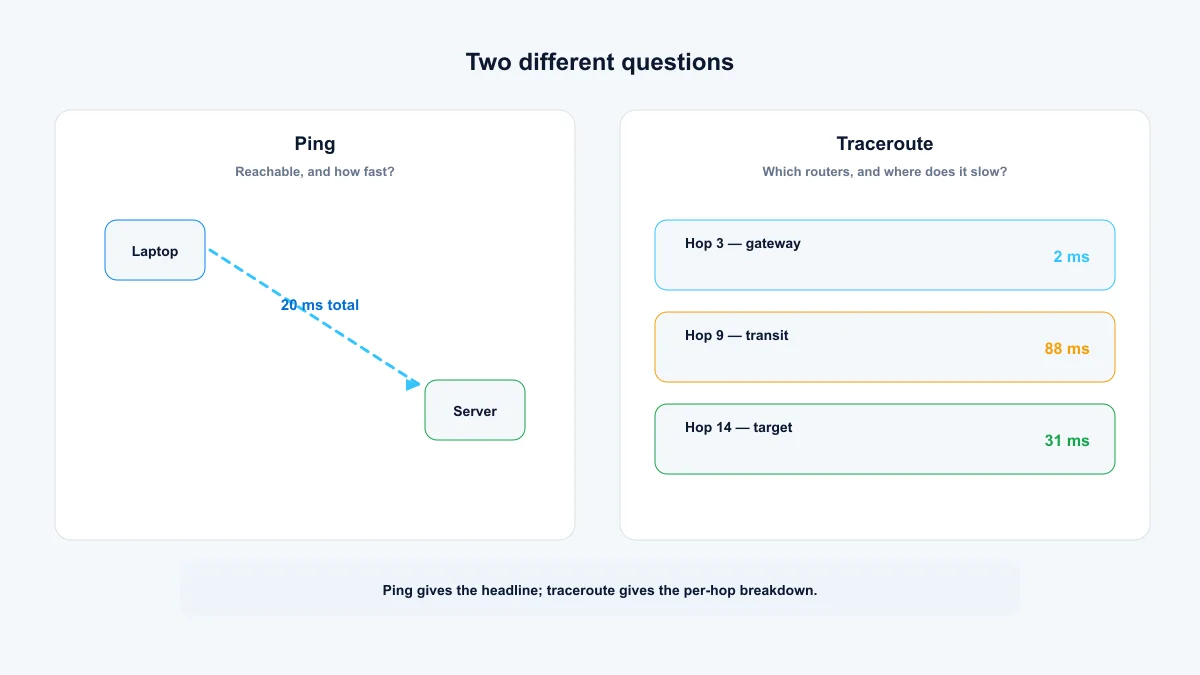
Summary: ping first, traceroute second
Run online ping first: one command, one answer, reachable or not. If latency or loss looks wrong, run traceroute to see where the path breaks — and test from a remote region when the fault may sit outside your network. The two tools are a sequence, not rivals.
- Reachability and loss: ping. Latency breakdown: traceroute.
- A slow site gets traceroute; a dead site gets ping first.
- Asterisks in a trace usually mean a router ignores ICMP, not a broken link.
Frequently asked questions
Which comes first, ping or traceroute?
Ping. It's one command and one answer, and it tells you whether the host is reachable at all. Run traceroute when ping shows loss or high latency and you need to know where it starts.
Is traceroute more accurate than ping?
Different measurements, not better ones. Ping gives one number for the whole path; traceroute gives per-hop times. They can disagree because each router is probed separately and the route can change between packets.
Why do ping and traceroute show different latency?
They send different packet types, some routers deprioritize traceroute probes, and the route can change between the two runs. Compare the shape of the results, not the exact numbers.
What is mtr?
A tool that combines both: it pings continuously and shows per-hop loss and latency like traceroute. Install it with your package manager (mtr on most Linux, brew install mtr on macOS) and leave it running when a path is flaky.
Free, no account required. Results show the exact probe location for every measurement.