
DOMAIN NAME SYSTEM
DNS Server Not Responding? How to Check DNS Records and Fix It
Updated
"DNS server not responding" is the error message between you and every website — the browser has the name, but no resolver will translate it. Sometimes your DNS settings broke, sometimes the provider is down, and sometimes the records on the other end are simply wrong. The fix starts with knowing which of the three it is.
This guide shows how to test DNS from your machine and from remote Globalping resolvers with the free DNS lookup tool, what each record type means, and the fixes that clear most resolver failures.
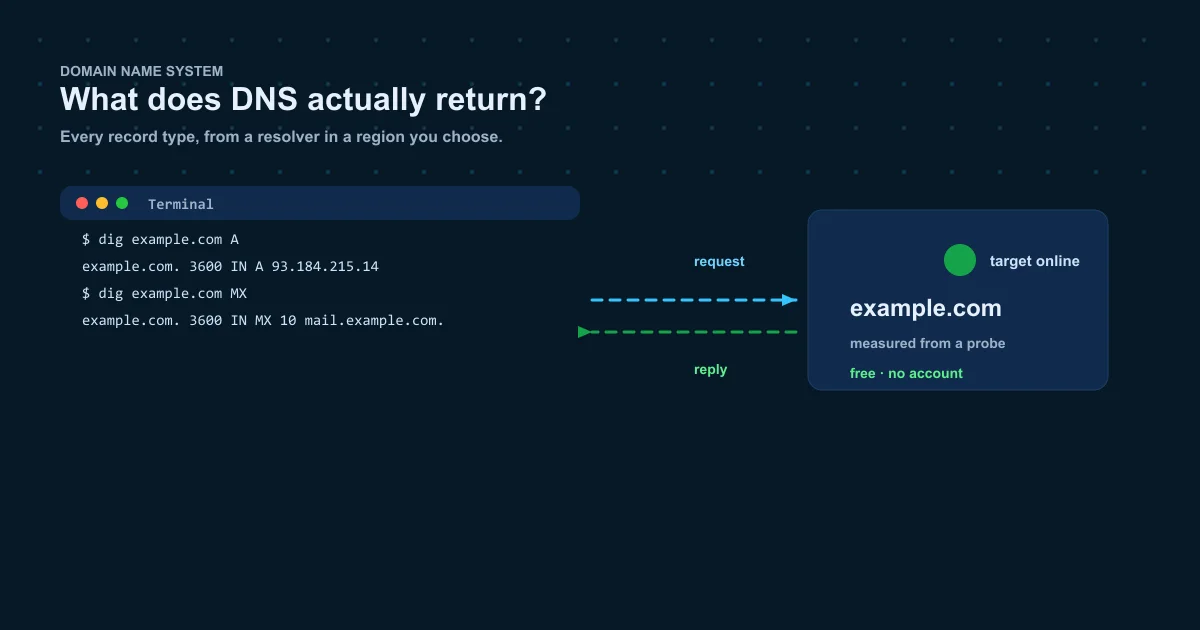
DNS server not responding: the quick fixes
If nothing resolves from one device, run these in order before blaming the website:
- Restart the router and the device — the cheapest fix and the one that works most often.
- Flush the local resolver cache: ipconfig /flushdns on Windows, dscacheutil on macOS.
- Switch to a known public resolver such as 8.8.8.8 or 1.1.1.1 and test the same name again.
- Compare your ISP resolver against a remote one with the free [[DNS lookup tool|/dns-lookup]]: if remote resolvers answer but yours does not, the problem is your resolver.
ipconfig /flushdns
sudo dscacheutil -flushcache && sudo killall -HUP mDNSResponder
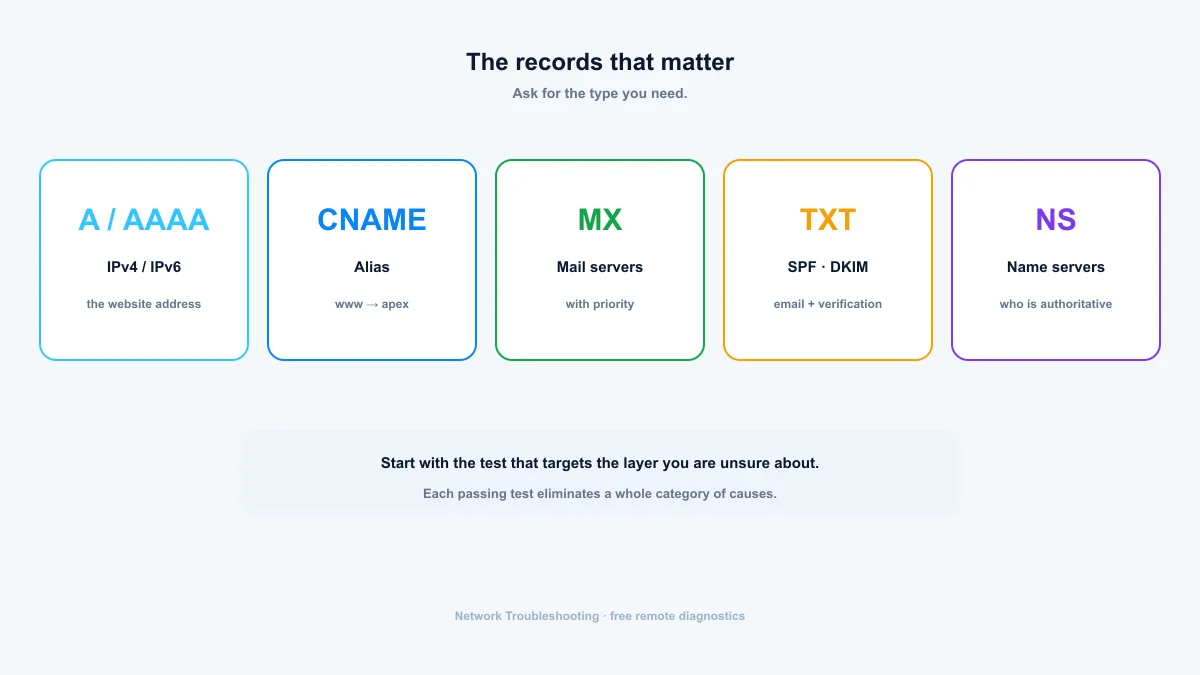
What DNS records do
Every domain publishes a set of records. The ones that matter day to day:
- A — maps a name to an IPv4 address (example.com → 93.184.215.14).
- AAAA — maps a name to an IPv6 address (example.com → 2606:2800:220:1:...).
- CAA — lists the certificate authorities allowed to issue TLS certificates for the domain.
- CNAME — aliases one name to another (www.example.com → example.com).
- MX — the mail servers that accept mail for the domain, with priority numbers.
- NS — the authoritative name servers for the domain.
- TXT — arbitrary text records, commonly SPF, DKIM and domain verification.
- SOA — start of authority: primary name server, contact, record version.
- PTR — reverse mapping from an IP back to a name, used mainly by mail and logging.
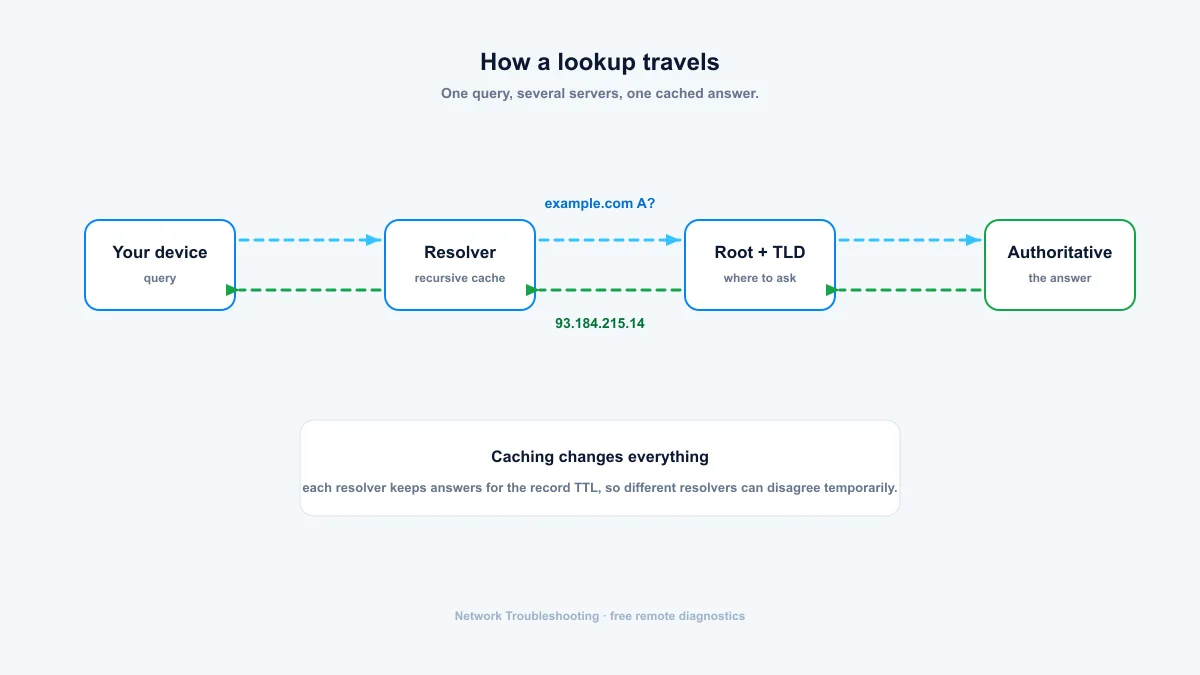
How a DNS lookup travels
One query can cross several servers: your device asks its configured resolver, the resolver walks the delegation from root to top-level domain to the authoritative name servers, and each answer is cached for the record TTL. Most of the time the resolver already knows the answer, which is why a lookup can return in milliseconds.
When to check DNS records
- A site stopped resolving: check A and AAAA against your hosting provider's addresses.
- You moved hosts or DNS providers: confirm NS points to the new provider and the zone actually moved.
- Email is bouncing: verify MX, and that TXT still carries the right SPF and DKIM entries.
- You changed something: old records can linger in caches, and an external lookup shows what visitors actually get.
- Diagnosing an outage: DNS misconfiguration is one of the most common causes of "the site is down" reports.
Propagation, TTL, and why answers differ by region
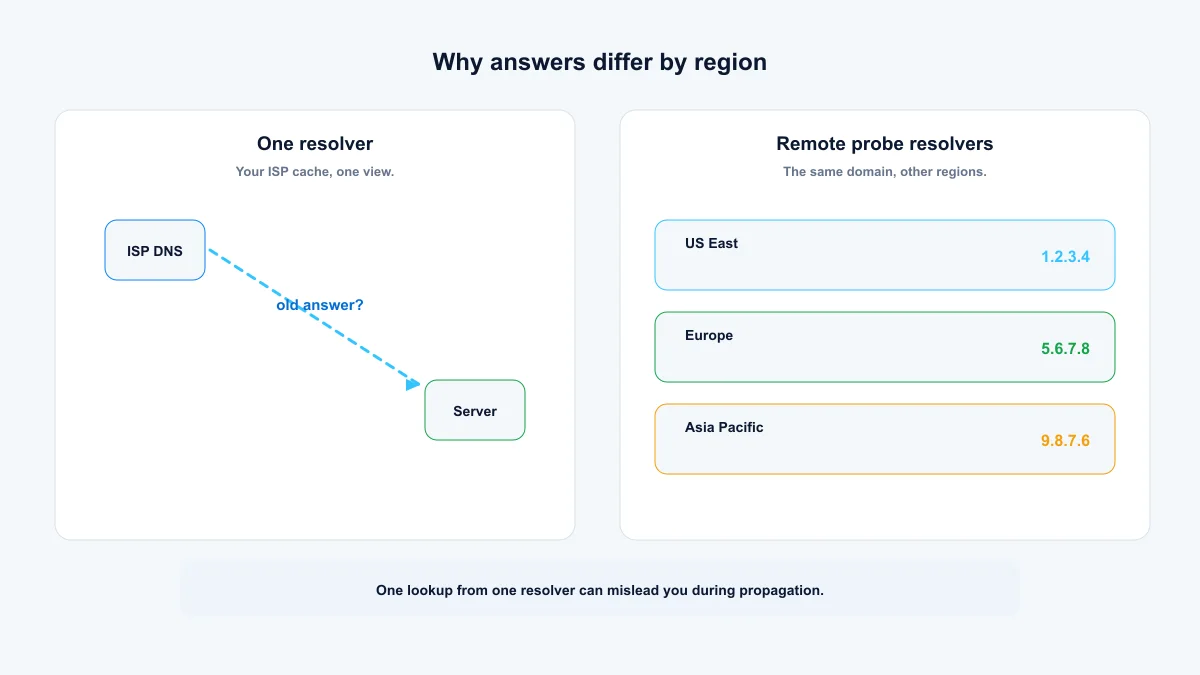
Record changes don't spread instantly. Every resolver caches answers for the TTL (time-to-live) the record specifies, anywhere from minutes to days. Different resolvers therefore return different answers at the same moment, and after a change some visitors see the new record while others still see the old one.
That's why one lookup from one resolver can mislead you. The tool here asks the resolver used by a remote Globalping probe in the region you choose, so you can compare what DNS looks like from the US, Europe and Asia Pacific.
DNS lookups from your machine
nslookup works everywhere. dig is available on macOS, Linux and modern Windows.

dig
dig example.com A
dig example.com CAA
dig example.com MX
dig @8.8.8.8 example.com AAAA
nslookup
nslookup -type=MX example.com
nslookup example.com
Reverse lookup
dig -x 93.184.215.14
nslookup 93.184.215.14
Summary: compare resolvers, then trust the difference
Run a DNS lookup from the region that matters, compare it against a second resolver, and only then conclude anything about a domain. Records have a TTL for a reason: mixed answers during propagation are normal, and the fix is usually to wait, lower the TTL, or find the stale server. For the rest of the stack, a website speed test shows whether DNS is actually slowing a page down.
- Ask for the exact record type — A for the site, MX for mail, TXT for SPF and DKIM.
- No CAA record is a valid result, not an error.
- Different resolvers can legitimately disagree until caches expire.
Frequently asked questions
How long does DNS propagation take?
It depends on the TTL of the old records: from minutes to 48 hours or more. Lower TTLs propagate faster. Mixed results for a while after a change are normal.
What does a CAA record protect?
CAA tells certificate authorities which providers may issue TLS certificates for a domain. No CAA record is a valid result and normally means the domain has not restricted issuance through CAA.
What is a CNAME record used for?
It aliases one hostname to another, so www.example.com can point at example.com without duplicating address records. CNAMEs are also how most CDNs attach custom domains to their service.
Can I check the DNS records of any domain?
Yes. DNS is public by design, and any resolver answers queries about any domain, which is how the tool on this page works. What you can't see is a domain's private configuration, like registrar or hosting logins.
Why does my lookup differ from my ISP's resolver?
Different resolvers have different caches and upstream paths. Regional routing, cache state and TTL all cause temporary differences, which is why comparing results from several regions beats trusting one answer.
Free, no account required. Results show the exact probe location for every measurement.