
NETWORKING BASICS
What Is My IP Address?
Updated
A public IP address is the return address on everything you do online. Every request your browser sends carries it, and every reply needs it to find its way home. When a site blocks you, a game lags or a service says "login from a new location", that address is what the other side actually sees.
You can check yours in the What Is My IP tool on this site — it reads the address straight from your connection to Cloudflare, no install and no signup. This guide covers what the number is made of, why it changes, and what it does and does not reveal about you.
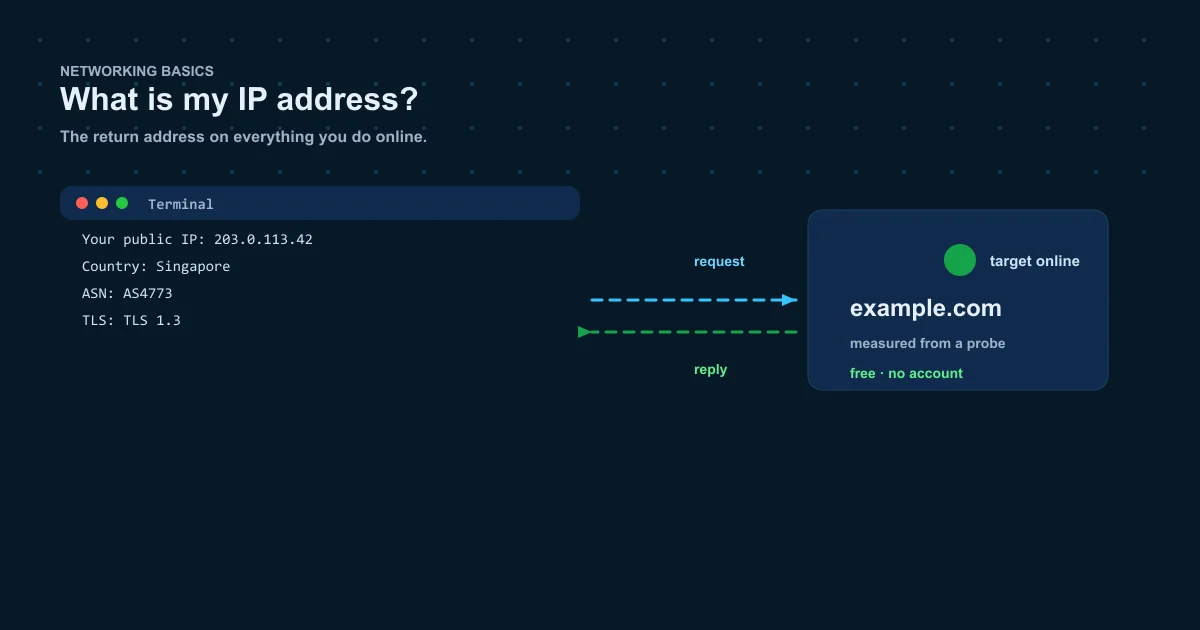
What an IP address is
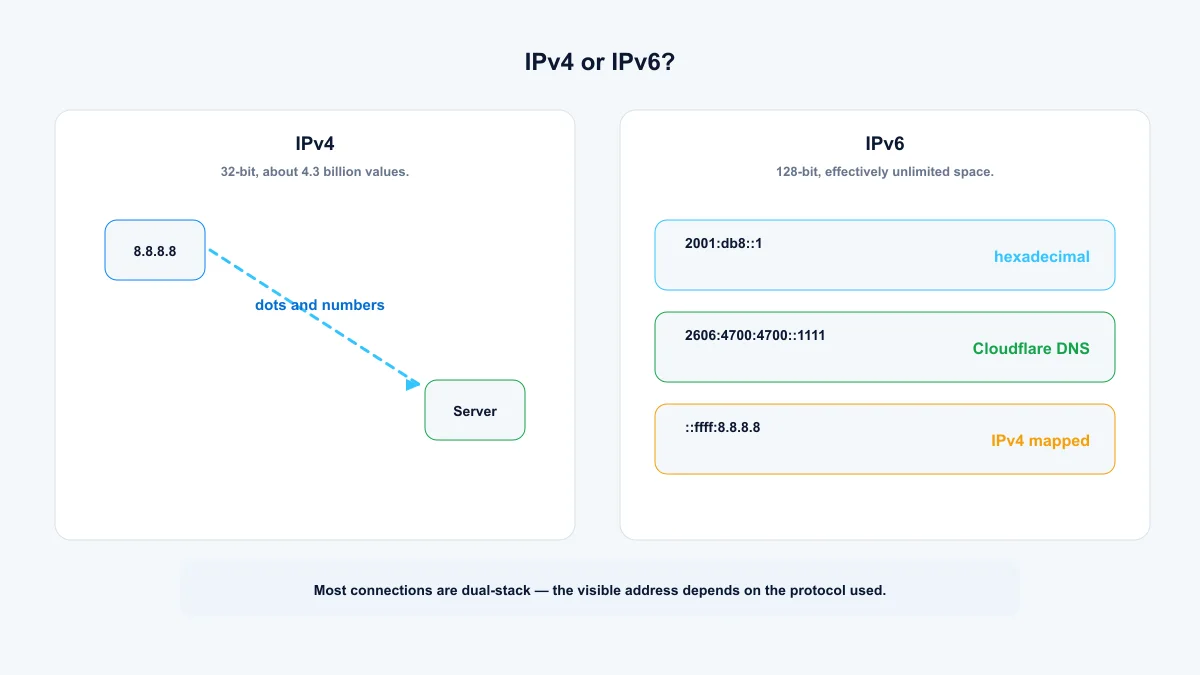
An IP address is a number that identifies a device on a network. Every packet of data carries a source address and a destination address, like the from and to lines on a parcel. The current system, IPv4, writes addresses as four numbers separated by dots: 203.0.113.42 is a valid one. Only about 4.3 billion IPv4 addresses exist, which sounds like a lot until you count every phone, server and smart device with a connection.
The replacement, IPv6, uses 128 bits and is written in hexadecimal, like 2001:db8::8a2e:370:7334. Its address space is effectively unlimited, which is why providers hand out IPv6 prefixes freely while rationing IPv4.
IPv4 or IPv6: which one are you on?
Most connections today are dual-stack: the provider runs both protocols, and each service picks whichever it prefers. The address you see can therefore depend on which protocol the site you visit connected with.
Run the tool above and compare what it reports. It shows the address your connection presented to Cloudflare, which is the honest answer for your setup right now.
- IPv4: 32-bit, about 4.3 billion values, written like 8.8.8.8.
- IPv6: 128-bit, written like 2606:4700:4700::1111.
- Some networks show an IPv4-mapped address such as ::ffff:8.8.8.8. It's an IPv4 address dressed up as IPv6.
Public vs private addresses
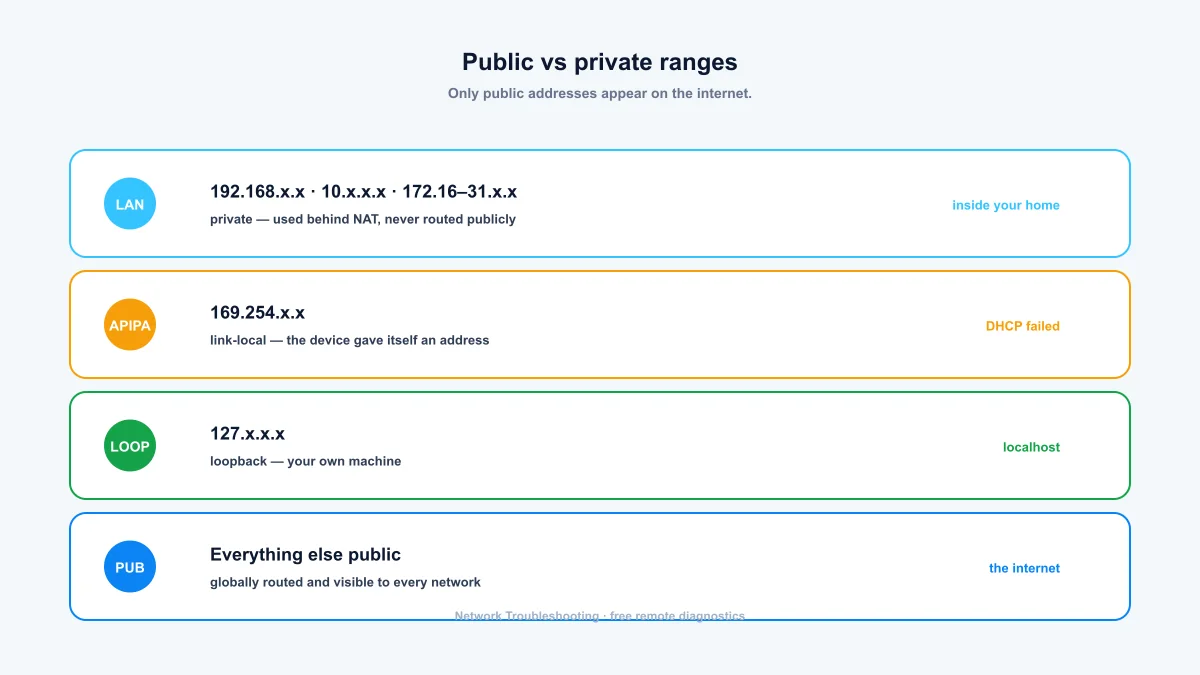
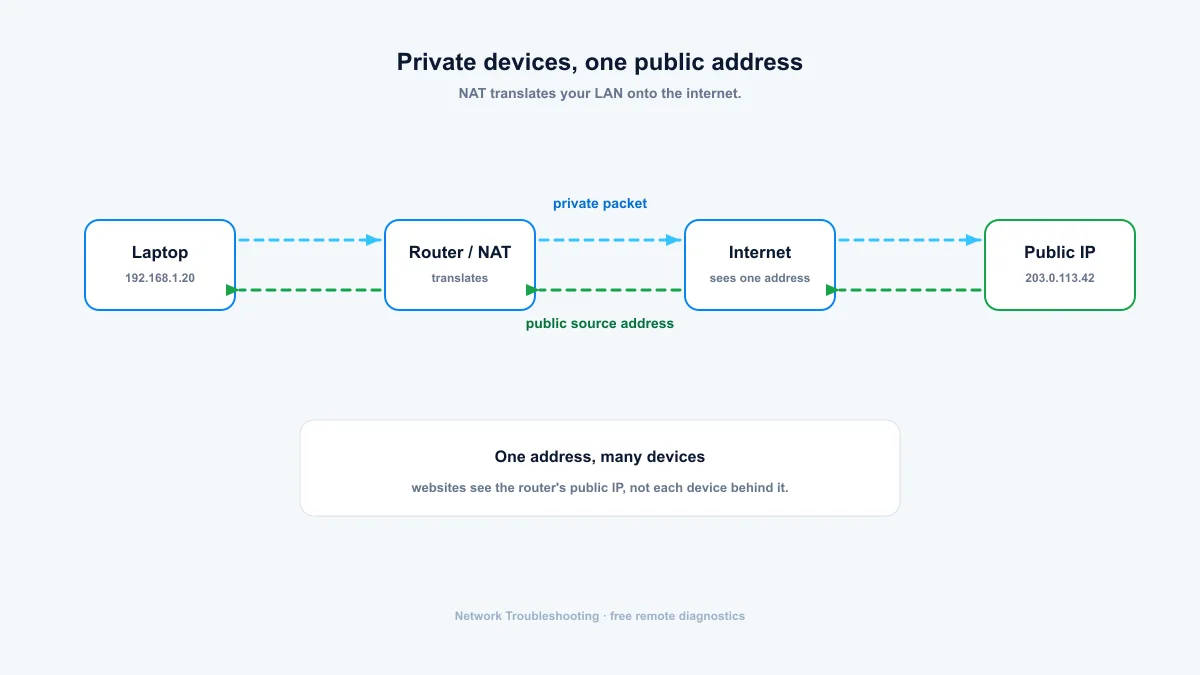
Devices on your home network don't use your public IP. Your router hands each one a private address from 192.168.x.x or 10.x.x.x and translates between them and the single public address using NAT. The private ranges (10.0.0.0/8, 172.16.0.0/12, 192.168.0.0/16) are reserved: they are never routed on the public internet.
If a device ever shows an address starting with 169.254, it failed to get one from the network and made one up. That's your first clue that DHCP is broken.
Why your public IP address changes
Most ISPs assign dynamic addresses. Reboot your modem and you'll often come back with a different number; some providers rotate addresses even while you stay online. If you run a server at home and need a stable address, you're looking at a static IP from your ISP, which usually costs extra, or a VPN that offers a dedicated IP.
What your IP address reveals
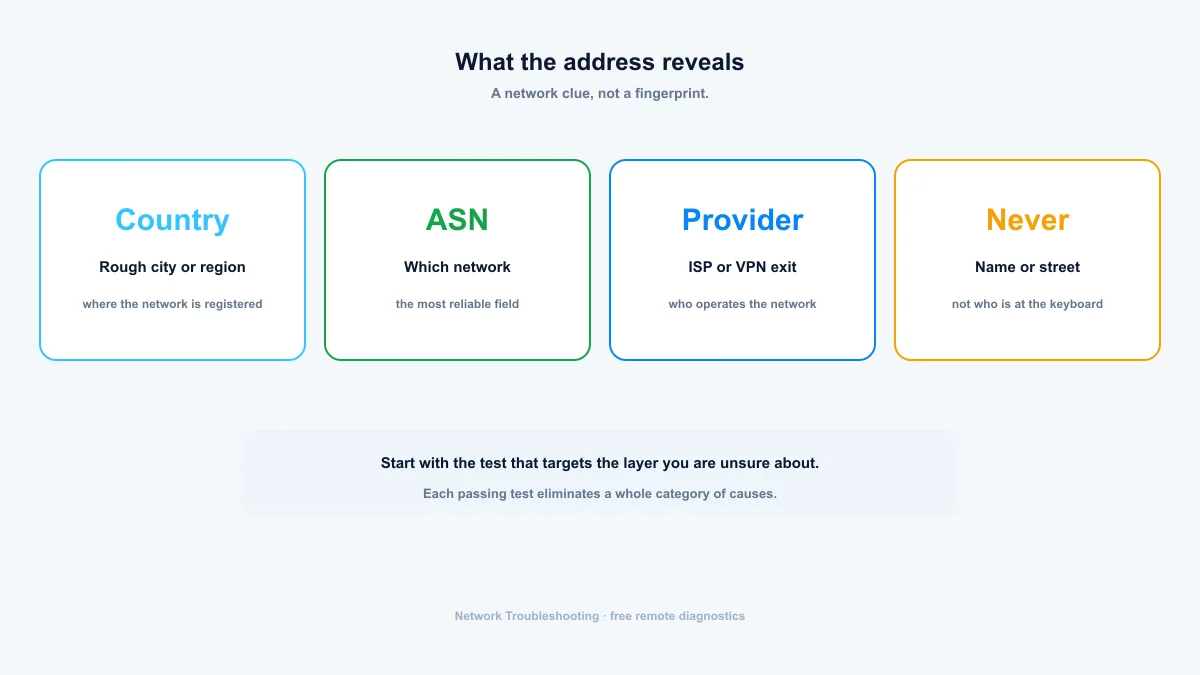
Roughly the city or region where your provider is registered, the provider itself, and the autonomous system (ASN) that operates the network. It does not reveal your name, your street address, or who is at the keyboard. IP geolocation is approximate: it can point at a data center a hundred kilometers from you.
Treat an IP lookup as a routing clue. If you're trying to figure out where traffic comes from or which network hosts a server, the country, continent and ASN get you most of the way there.
VPNs, proxies, and your address
Behind a VPN or proxy, websites see the service's address rather than your ISP's. That's why the tool above notes which one you're using: it shows the network your traffic actually exits through. An IP address identifies a network, not a person. To see which network that is, paste the address into the IP lookup tool.
Summary: your IP is a network address, not a fingerprint
Check your address with the What Is My IP tool, remember that IPv4 and IPv6 can give different answers, and treat the location as approximate. When you need to know whose network an address belongs to — yours or a server in a log — an IP address lookup turns it into country, ASN and network owner.
- Your public IP is shared by every device behind your router through NAT.
- Most addresses are dynamic and change on a modem reboot.
- An IP reveals the network, not your name or street address.
Frequently asked questions
How do I find my IP address?
Open the What Is My IP tool on this page: it reads your public address from the Cloudflare edge automatically. Your router's status page lists it too, usually labeled WAN IP. Searching "what is my ip" also works if you trust whichever site answers.
Does my IP address reveal my exact location?
No. It points at the approximate area your ISP serves, which can be far from where you actually sit, especially on mobile networks or when a VPN is in the path.
Can I change my IP address?
Usually yes. Restarting your modem or router is enough, because most ISPs hand out dynamic addresses. A VPN changes what websites see, replacing your ISP address with the VPN provider's.
What is the difference between IPv4 and IPv6?
IPv4 is the 32-bit system the internet was built on, with about 4.3 billion addresses. IPv6 is the 128-bit replacement with an effectively unlimited address space. Most connections run both (dual-stack), and a service may show you a different address depending on which protocol you used.
Free, no account required. Results show the exact probe location for every measurement.