
TCP CONNECTIVITY
How to Check If a Port Is Open: Remote and Local Tests
Updated
"It works on my machine" is the classic last words of a broken port configuration. The service answers locally, the logs look clean, and every visitor outside your network gets a timeout — because the one test nobody ran was the one that matters: can a TCP connection reach this port from the outside?
This guide shows how to check if a port is open from your own machine with Test-NetConnection, netcat and telnet, and from a remote Globalping probe with the free port checker — plus what open, closed and filtered really mean and the port numbers worth knowing.
What a TCP port is
A port is a number from 0 to 65535 that tells the operating system which application should handle incoming data. One server can run web on 443, SSH on 22 and mail on 25 at the same time. Ports 0-1023 are reserved for well-known services, 1024-49151 are registered to common applications, and 49152-65535 are dynamic, mostly used for outgoing connections.
Common ports and what runs on them
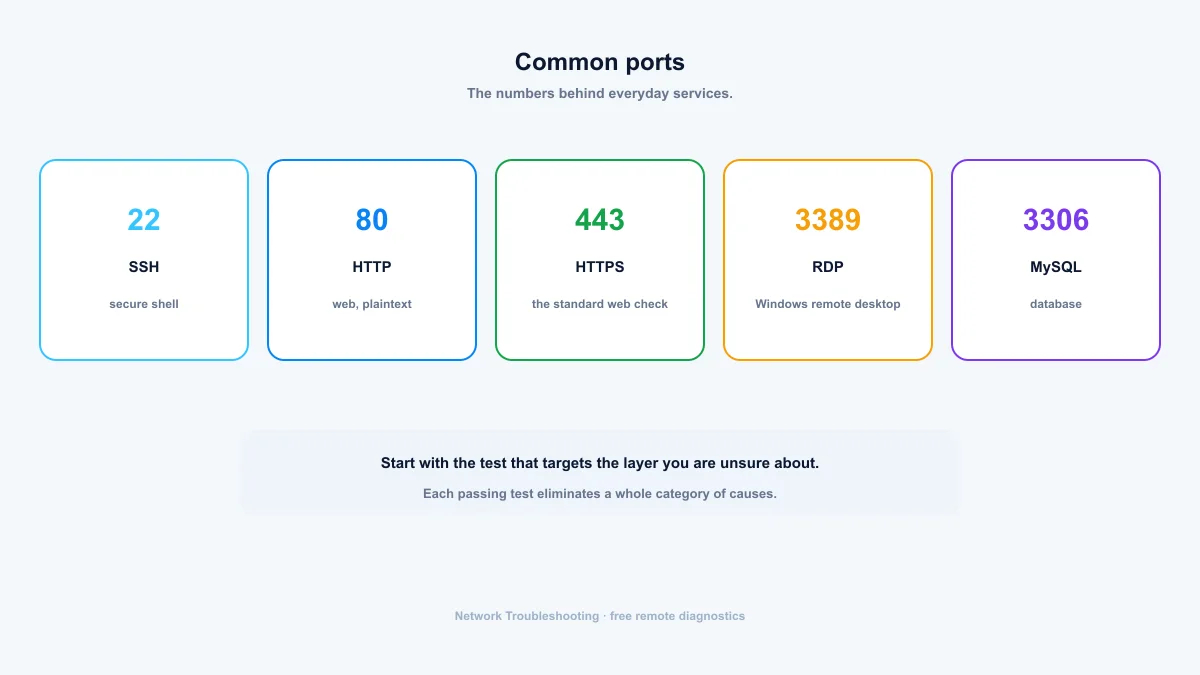
- 20 / 21 — FTP data and control
- 22 — SSH
- 25 — SMTP (outgoing mail)
- 53 — DNS (TCP and UDP)
- 80 — HTTP
- 443 — HTTPS
- 3306 — MySQL / MariaDB
- 3389 — Remote Desktop (Windows)
- 8080 — common alternate HTTP port
- 8443 — common alternate HTTPS port
Open, closed, filtered
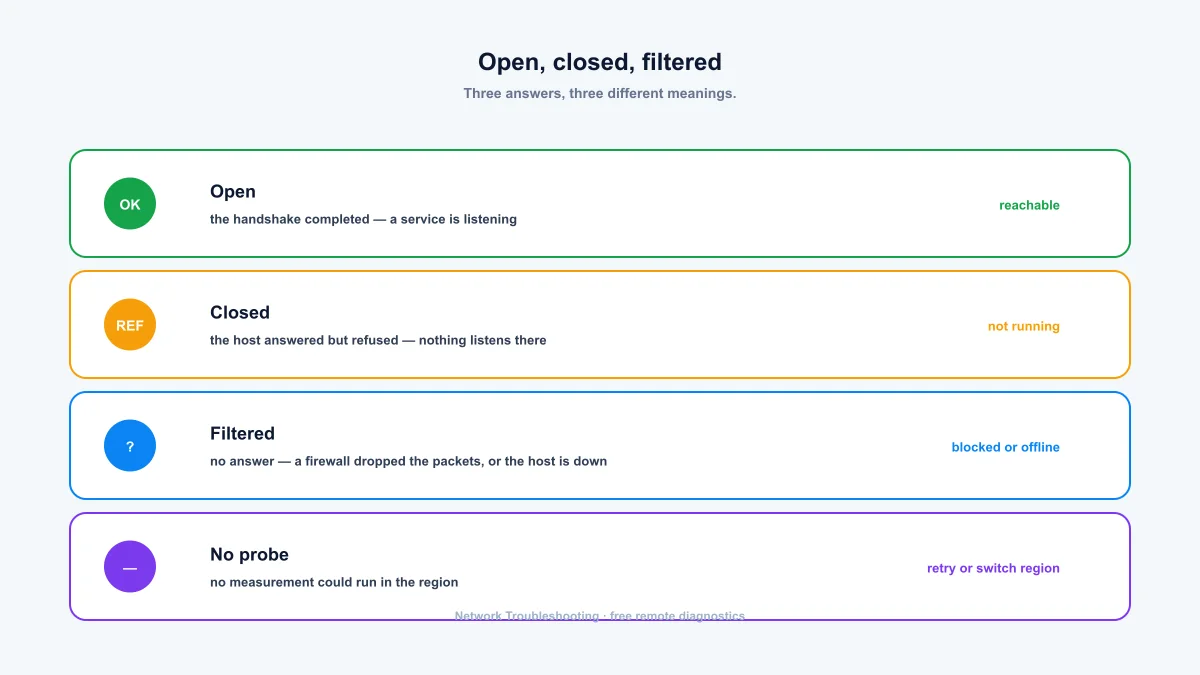
A port check result falls into three categories, and each means something different:
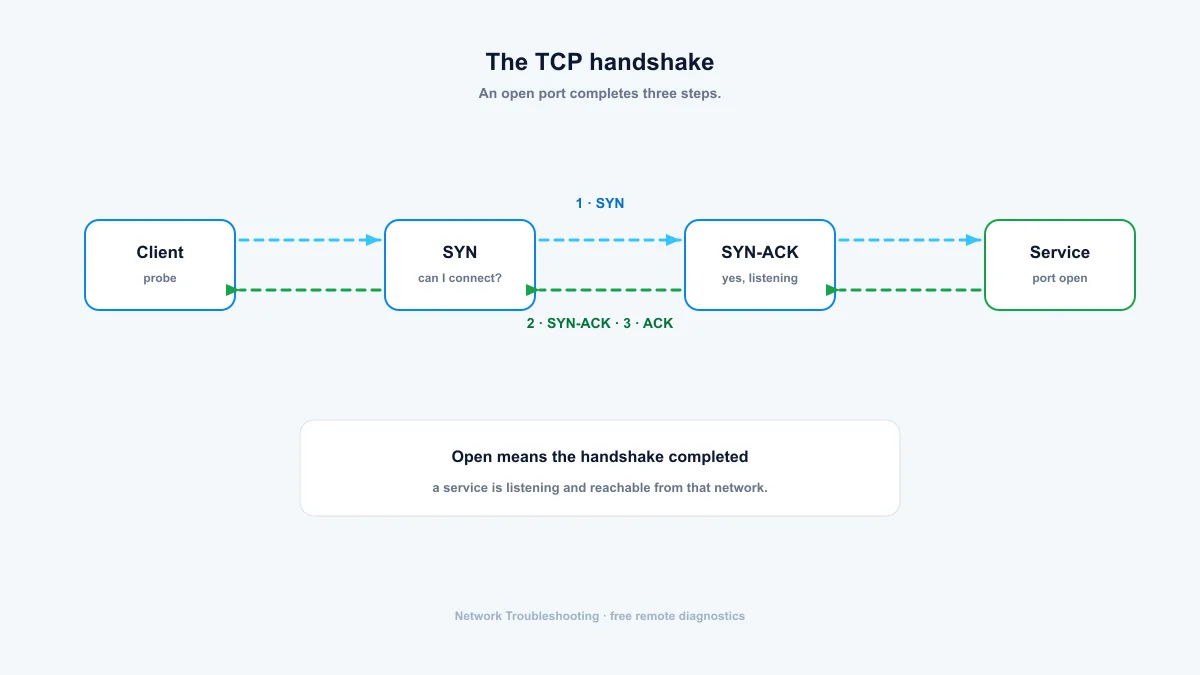
- Open: the TCP handshake completed. A service is listening and reachable.
- Closed: the host answered but refused. Nothing listens on that port, or the service isn't running.
- Filtered: no answer at all. A firewall dropped the packets. You can't tell from one test whether the port is blocked, the host is down, or the route is broken.
Checking ports from your machine
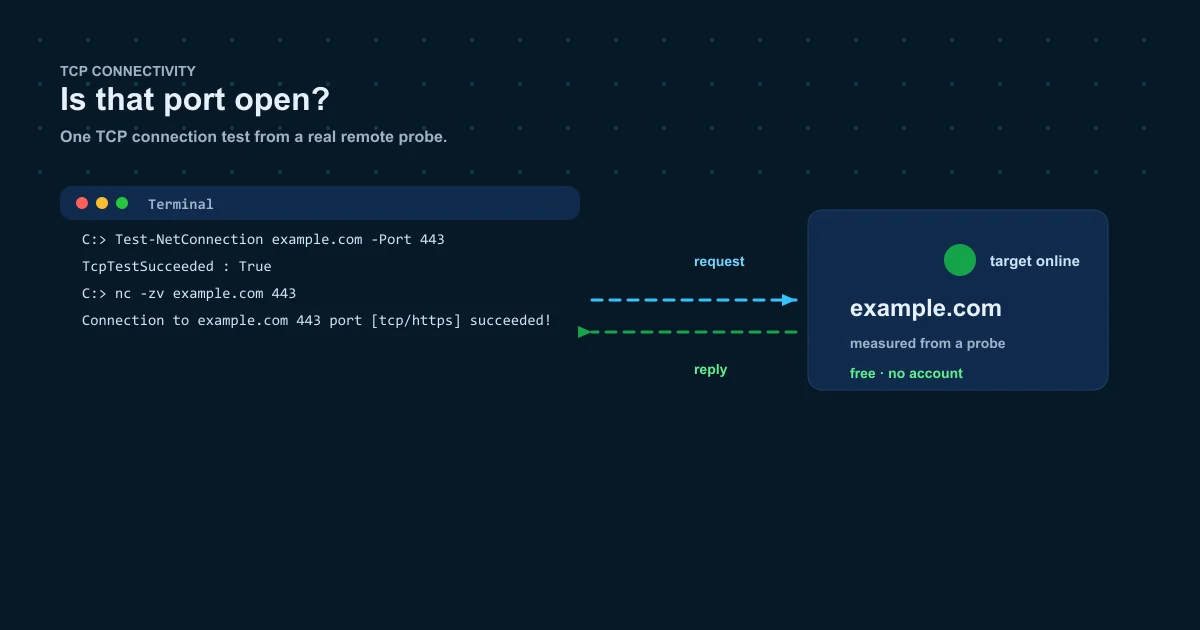
These commands attempt a real TCP connection, exactly like the online checker does, just from your own network.
PowerShell (Windows)
Test-NetConnection example.com -Port 443Netcat (macOS / Linux)
nc -zv example.com 443Telnet (any system with the client)
telnet example.com 443Why your own network is a bad witness
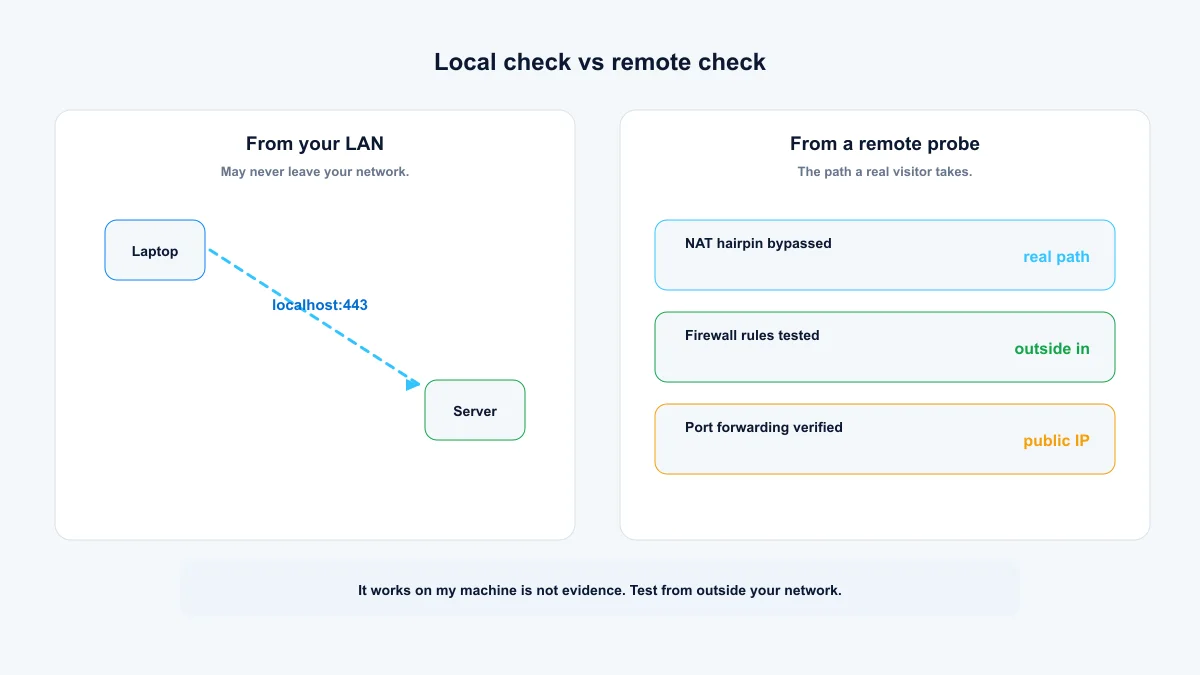
NAT hairpinning: when you connect to your own public IP from inside the house, the router often loops the traffic back inside without ever touching the path an outside visitor would take. Your service can pass a local test while being invisible to the rest of the internet.
A remote check from a different network tests the real path. If the port accepts a connection from a Globalping probe, your port forwarding and firewall rules are actually working.
What the online port checker does
Enter the host and port, pick a region, run it. One probe attempts a single TCP connection to that one port. This is a reachability check, not a scanner, so it never sweeps a host. The answer tells you whether the outside world can reach that port from that location, which is the exact question you're trying to answer after setting up port forwarding or opening a firewall rule.
Summary: the port check proves the service layer
Online ping proves the host is reachable; a port check proves the service actually accepts connections. Run the local commands for your own LAN, then confirm from a remote probe — that second view is the one that catches NAT hairpinning, missing forwarding rules and firewalls that only matter from the outside.
- Open means the handshake completed; filtered means no answer came back at all.
- A local success proves nothing about the public path — always retest from outside.
- Check one port per run; this is a reachability tool, not a scanner.
Frequently asked questions
What is the most common port to check?
443 (HTTPS), followed by 80 (HTTP), 22 (SSH) and 3389 (Remote Desktop). Testing 443 is the standard "is the web server up" check.
Can I scan all 65535 ports?
Not with this tool, and not casually. It checks one TCP port per run and is not a scanner; sweeping a host's full port range without authorization is against the terms of most networks and can be illegal. Use scanning tools only on systems you own or are authorized to test.
Why does my port show closed even though my service is running?
The service may be bound to a private address, listening on a different port, or blocked by a firewall on the host, the router or the provider. An external "closed" means the outside world can't reach it. Check binding addresses first, then firewall rules, then forwarding.
What is port forwarding?
A router setting that forwards connections arriving at your public IP on a given port to a device inside your network. It's required for most self-hosted services to be reachable from the internet.
What is the difference between filtered and closed?
Closed means the host answered and refused; usually nothing listens there. Filtered means no answer at all, usually a firewall dropping the packets, but it could also mean the host or the path is down.
Free, no account required. Results show the exact probe location for every measurement.